The most successful businesses in Nigeria share a common trait: they're impossible to ignore online. When potential customers search for their services, these market leaders appear first, with compelling profiles that convert browsers into buyers. This guide shows you exactly how to join them.
A Google Business Profile (formerly Google My Business) is the foundation of digital visibility. It's where your business appears on Google Maps, in search results, and across Google's properties—where your best customers are already looking.
This guide walks you step-by-step through setting up your profile in Nigeria, with proven solutions for the verification challenges that stop most businesses. By the end, you'll have the same competitive advantage as Nigeria's market leaders.
What Is Google Business Profile?
Google Business Profile is your free business listing on Google. It appears when someone searches for your business name or for services in your area.
You've seen it before:
- That box on the right side of Google with business hours, photos, and reviews
- The map showing "restaurants near me" with pins and star ratings
- The "Local Pack" (top 3 businesses) that appears before regular search results
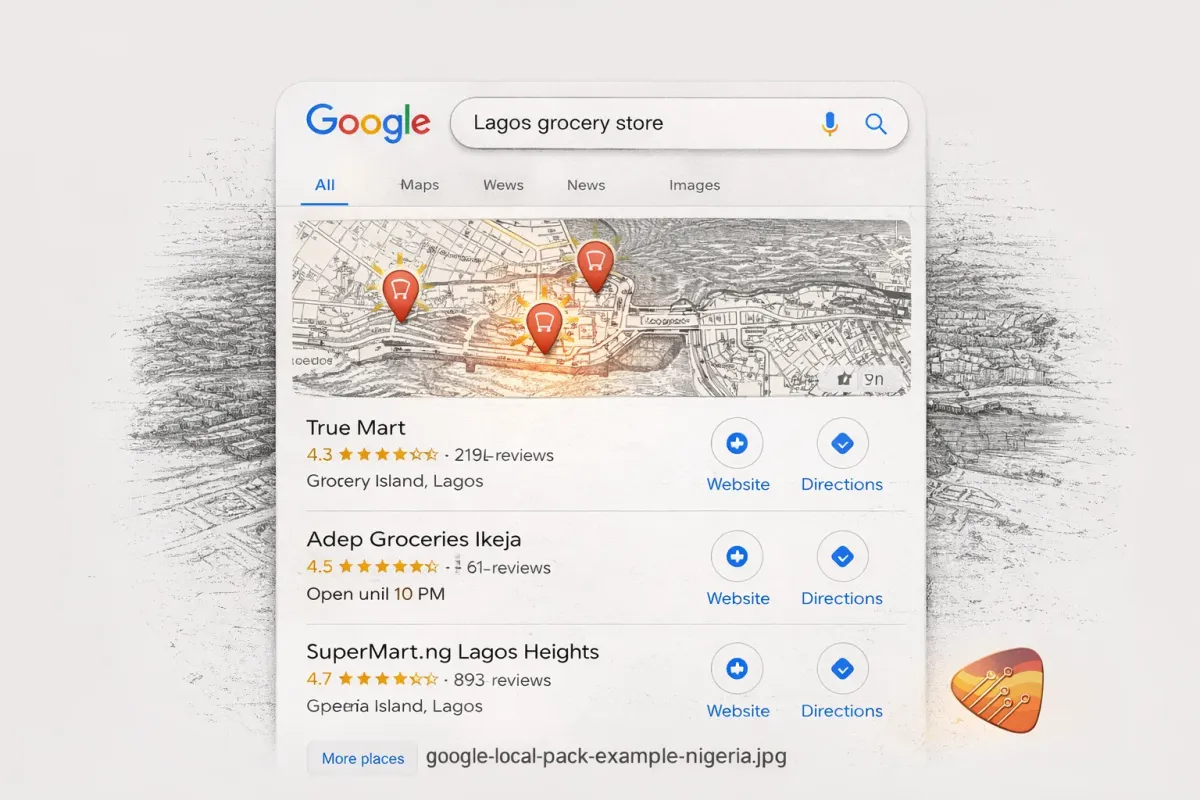
If you've ever found a business through Google, you've used Google Business Profile.
And here's the thing: 97% of consumers search online for local businesses. If you're not on Google, you don't exist to them.
Why Nigerian Businesses Need This
Let's be specific about why this matters in Nigeria:
1. Your customers are already searching
"Hair salon Wuse" gets searched hundreds of times monthly. "Restaurant Garki" even more. These are customers with money, ready to spend. Right now.
2. WhatsApp alone isn't enough
Yes, everyone uses WhatsApp. But how do new customers find your WhatsApp number? They search Google first.
3. Your competitors are there
If you've ever searched for your own business type and saw competitors show up instead of you—that's why.
4. It's free
Google doesn't charge for a Business Profile. The only cost is your time (or hiring someone to do it right).
Before You Start: What You'll Need
Gather these before beginning:
- Google account (Gmail)
- Business name (as registered or commonly known)
- Business address (physical location customers can visit)
- Phone number (preferably Nigerian mobile)
- Business category (what do you do?)
- Website (optional but recommended)
- Business hours
- 5-10 photos of your business (storefront, interior, team, products)
Step-by-Step Setup Guide
Step 1: Create or Sign Into Your Google Account
Go to google.com and sign in.
If you don't have a Google account:
- Click "Create account"
- Choose "For work or my business"
- Fill in your details
- Verify with phone number
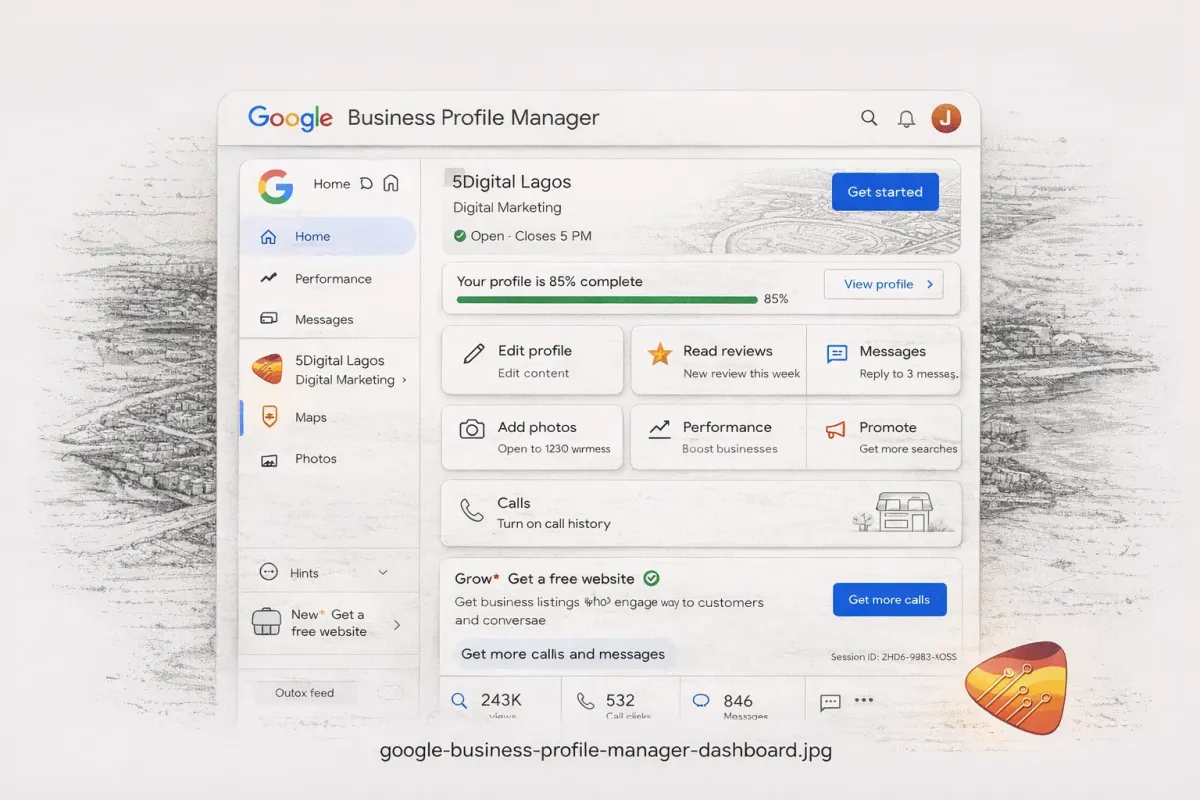
Step 2: Go to Google Business Profile Manager
Navigate to business.google.com and click "Manage now" to start creating your profile.
Step 3: Enter Your Business Name
Type your business name exactly as you want it to appear.
Best practices:
- Use your actual business name (no keyword stuffing)
- Include location only if it's part of your official name
- Keep it consistent with signage and other listings
Wrong: "Best Hair Salon Abuja Wuse 2 Braiding Weaving"
Right: "Glamour Hair Studio"
Google penalizes keyword-stuffed names. Keep it clean.
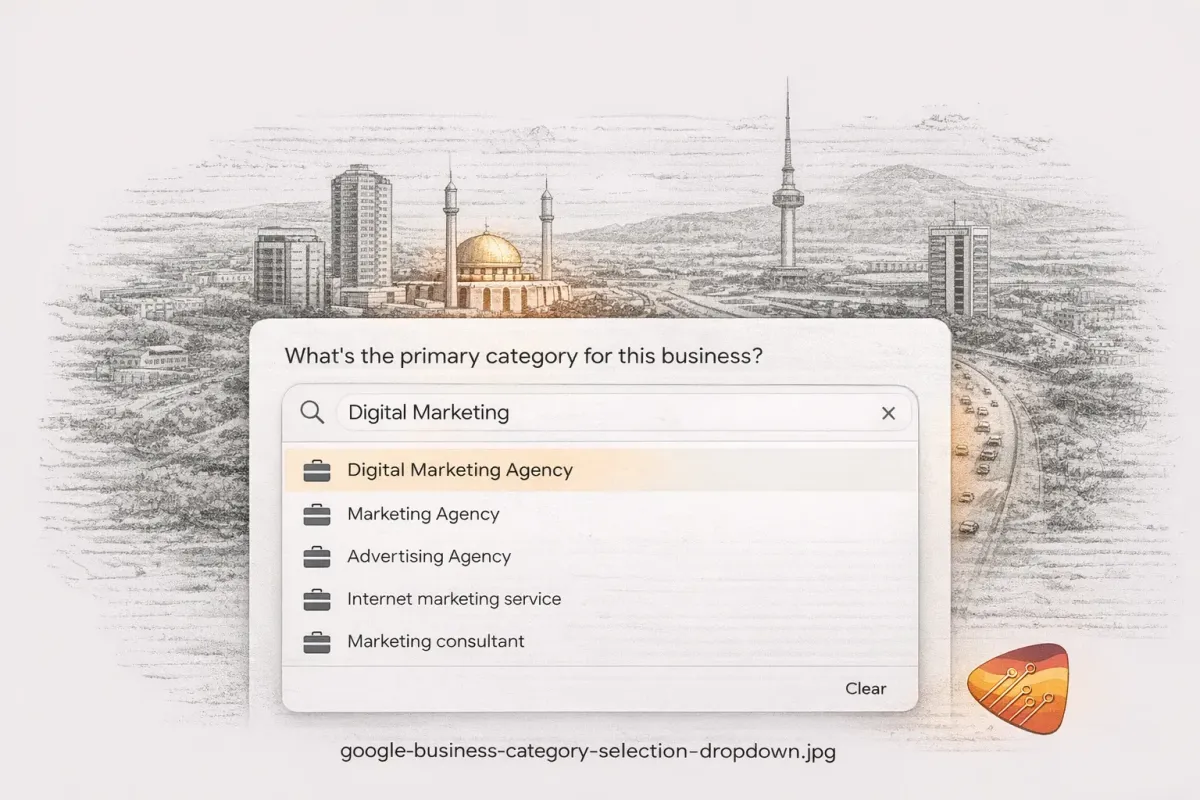
Step 4: Choose Your Business Category
This is where most DIYers silently kill their visibility without knowing it.
Your primary category determines which searches you appear for. Choose wrong, and you're invisible to the exact customers searching for you.
Google has over 4,000 categories. Most people pick the first thing that looks right. That's a mistake.
How to choose:
- Start typing what your business does
- Don't pick the first option — scroll through ALL related categories
- Select the MOST SPECIFIC option available
- Add secondary categories later (up to 9 more)
- Picking "Business" instead of "Hair Salon" → You won't appear for "salon near me"
- Picking "Restaurant" instead of "Nigerian Restaurant" → You lose to competitors who were specific
- Picking "Doctor" instead of "Pediatrician" → Parents searching for children's doctors won't find you
Common categories for Nigerian businesses:
- Hair Salon / Braiding Salon / Beauty Salon (these are DIFFERENT)
- Restaurant / Nigerian Restaurant / African Restaurant
- Auto Repair Shop / Mechanic
- Law Firm / Lawyer
- Real Estate Agency
- Dental Clinic / Dentist
- Hotel / Guest House
- Event Planner / Wedding Planner
Step 5: Add Your Location
If customers visit your physical location:
- Select "Yes, I have a location customers can visit"
- Enter your full address
- Drag the pin to the exact spot on the map
If you go to customers (service-area business):
- Select "I deliver goods and services to my customers"
- Enter the areas you serve (e.g., "Abuja," "Wuse," "Garki")
- You can hide your address if you work from home
Step 6: Add Contact Information
Phone number:
- Use a number you actually answer
- Format: Nigerian mobile works best (0803 XXX XXXX)
- This number will receive calls directly from Google
Website:
- Add your website URL if you have one
- No website? Leave blank or use your Facebook/Instagram page URL temporarily
Step 7: Choose Verification Method
Here's where many Nigerian business owners get stuck. For a deep dive, see our complete verification guide.
Verification options Google offers:
1. Postcard by mail (most common)
- Google sends a postcard with a 5-digit code
- Takes 14-21 days in Nigeria (sometimes longer)
- Often gets lost or delayed
2. Phone verification (faster)
- Instant code via SMS or call
- Not always available
- More common for established addresses
3. Video verification (newer option)
- Record a video showing your storefront and signage
- Available for some businesses
- Faster than postcard
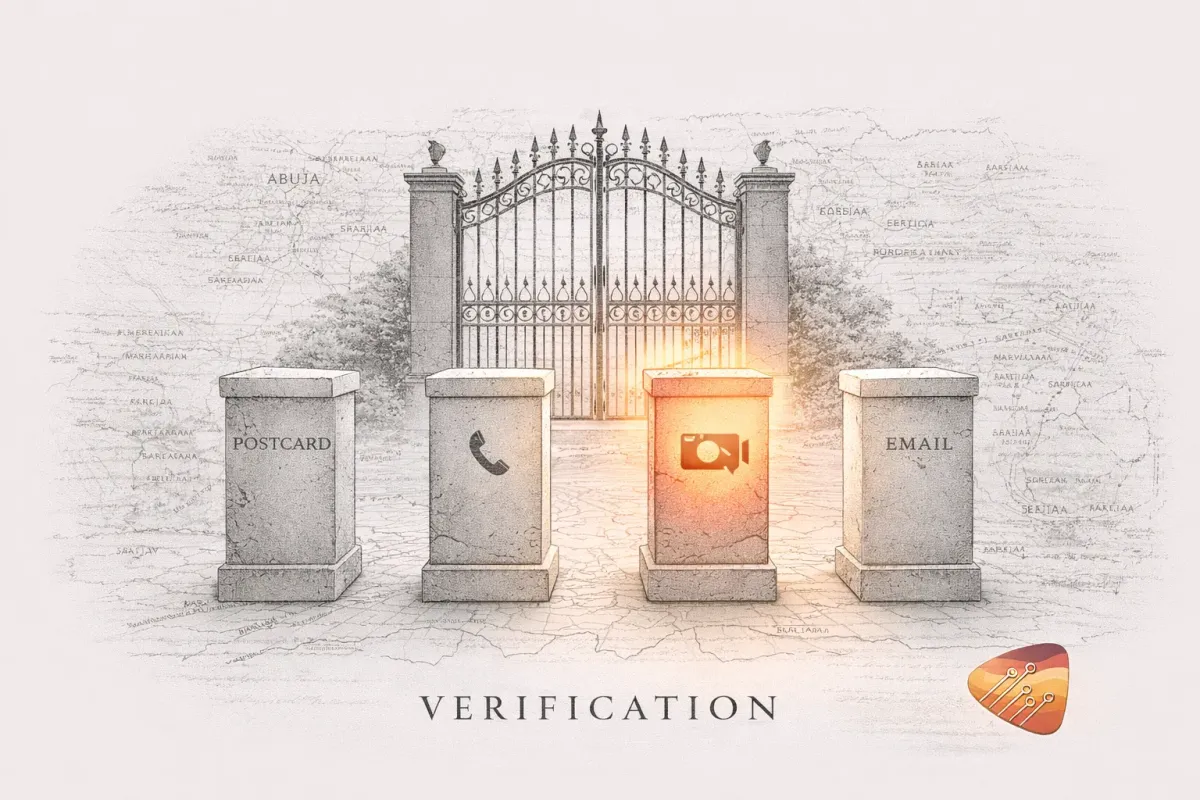
The postcard method in Nigeria is challenging:
- NIPOST reliability is... optimistic at best
- International mail to Nigerian addresses frequently disappears
- The verification code expires after 30 days
- Many business owners request 3-4 postcards before one arrives
What to do:
- Try phone verification first — it's instant if Google offers it
- If only postcard is available: Alert security/reception with the exact date to expect it
- Use a specific suite/office number — "Ruby Center" is too vague
- Request a new code after 14 days, don't wait the full 30
- If video verification appears, USE IT — it's faster and more reliable
Step 8: Complete Your Profile (After Verification)
Once verified, optimize your profile:
Business Description
Write 750 characters describing what you do. Include:
- What services/products you offer
- What makes you different
- Your location/areas served
- A call to action
Business Hours
- Add your actual hours
- Update for holidays
- Use "Open 24 hours" only if truly 24/7
Photos
Add at least 10 photos:
- Exterior (storefront)
- Interior
- Team/staff
- Products or services in action
- Your logo
- Happy customers (with permission)
Photos get 42% more direction requests and 35% more website clicks.

Step 9: Get Your First Reviews
A profile without reviews looks empty. For detailed strategies, see our guide on how to get more Google reviews.
Here's how to get started:
- Ask your best customers first — Send them your review link personally via WhatsApp
- Make it easy — Create a short link and send directly to customers after service
- Respond to every review — Thank positive reviewers and address negative reviews professionally
"Hi [Name], thank you for choosing us! Would you mind leaving us a quick Google review? It really helps other customers find us. Here's the link: [your link]. Thank you!"
Common Mistakes to Avoid
These mistakes are why many businesses don't show up on Google even after setup:
- Wrong category — Choosing "Business" instead of your specific type kills your visibility
- Incomplete information — Google favors complete profiles. Fill in everything
- Fake address — Using a fake address will get you suspended
- Keyword-stuffed name — "Best Cheap Hair Salon Abuja Wuse Braiding" = suspension risk
- Ignoring reviews — Negative reviews left unanswered look terrible
- Never posting — Google likes active profiles. Post weekly updates
- Inconsistent NAP — Your Name, Address, Phone must match everywhere online
The Honest Truth About DIY vs. Professional Setup
You can absolutely do this yourself. This guide gives you everything you need.
But let me be honest about what "doing it yourself" actually looks like:
The Time Reality
- 3-5 hours learning the platform and making decisions
- 2-4 weeks waiting for verification (hoping the postcard arrives)
- 2-3 hours fixing mistakes you didn't know you made
- Ongoing weekly maintenance (posts, reviews, updates)
Total: 10-15 hours upfront, then 2-4 hours monthly.
For a detailed breakdown, see Should You Set Up GMB Yourself or Hire an Expert?
The difference between "set up" and "optimized"
A basic setup gets you listed. You exist on Google.
A professional optimization gets you found. You rank above competitors.
One business owner told us: "I set it up myself. Six months later, I was still on page 2. You fixed it in a week, and now I'm in the top 3." Read her full case study here.
Ready to Get Found on Google?

Frequently Asked Questions
Is Google Business Profile really free?
Yes. Creating and maintaining a profile costs nothing. Google makes money from ads, not listings.
How long does verification take in Nigeria?
Postcard: 14-21 days (sometimes longer). Phone/video verification: Instant if available. See our verification troubleshooting guide.
Can I have multiple locations?
Yes. Each location needs its own profile and verification.
What if I work from home?
You can set up as a "service-area business" and hide your address.
Do I need a website?
No, but it helps. You can link to your social media pages instead.